Additional Logging
If you want more logging output in your EOSCore project, you can add the following lines to your DefaultEngine.ini configuration file
DefaultEngine.ini
[Core.Log]
Online=Verbose
OnlineSession=Verbose
OnlineGame=Verbose
LogEOSCoreSubsystem=VeryVerbose
LogEOSCore=Verbose
LogEOSCoreWeb=Verbose
note
The EOS SDK's own log messages (shown as EOSSDK-<Category> in the LogOnline category) are only enabled in non-Shipping builds. The ListenForEOSMessages node therefore receives nothing in Shipping builds.
Finding Logs
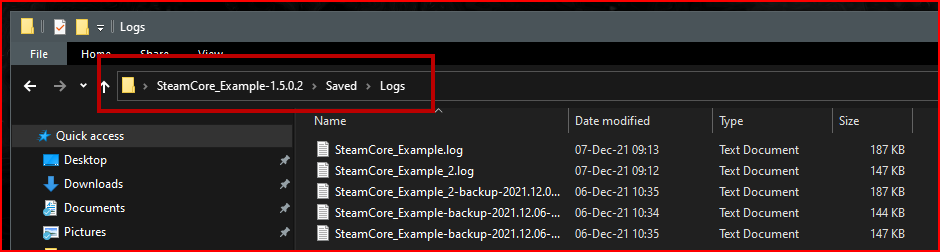
Logs are always generated in your projects Saved directory, see the screenshot below.