Authenticating
Authentication: Persistent Auth
Persistent Authentication (Use previous successful login)
- Use the following settings
AuthType: PersistentAuth
CredentialsType: Epic

Login Id: not used
Password: not used
Additional Data: not used

When the Persistent Auth login fails
A Persistent Auth login fails when there is no stored login on this computer, or when the stored token has expired. The plugin then deletes the stored token (EOS_Auth_DeletePersistentAuth), so the next attempt does not use the bad token again.
- By default the Login node then returns false. Start an Account Portal login yourself, see Epic Account.
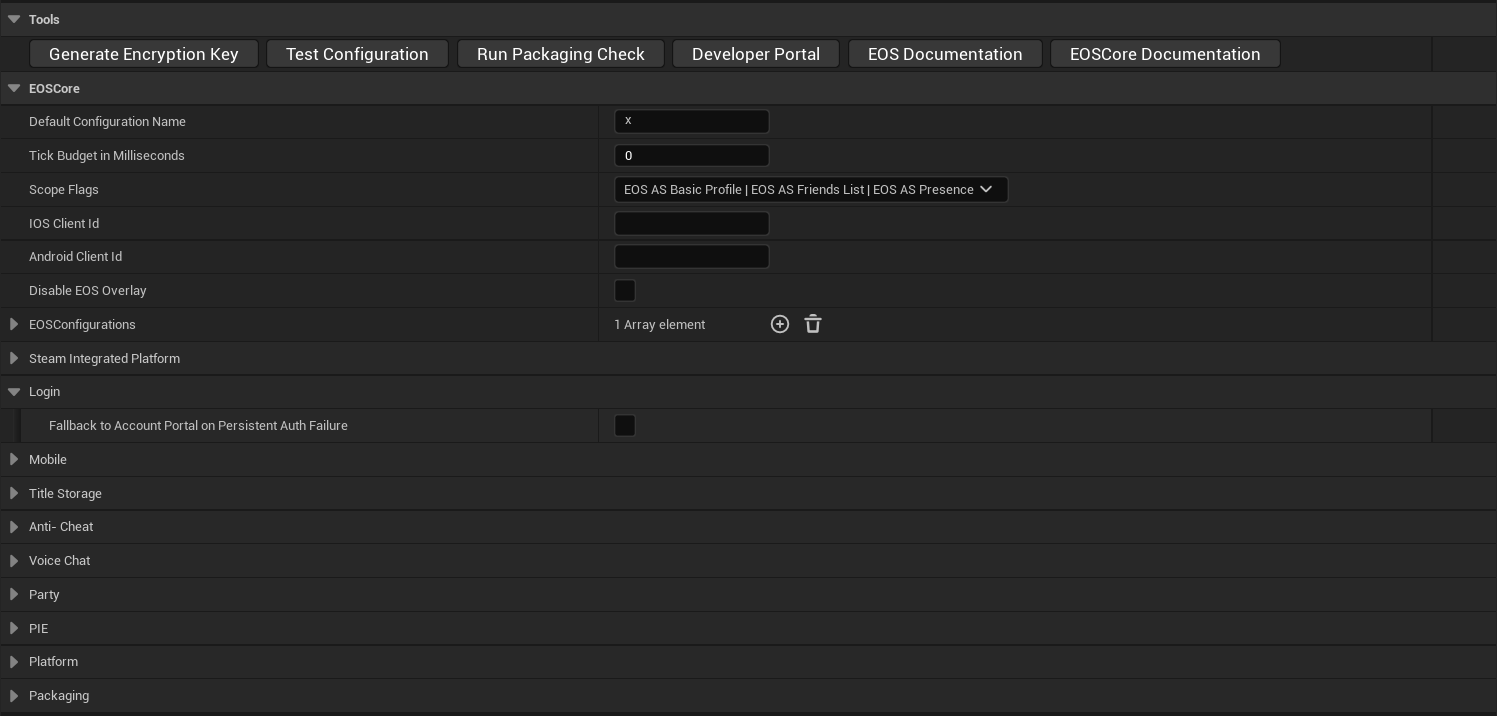
- With Fallback To Account Portal On Persistent Auth Failure in Project Settings (off by default), the plugin starts an Account Portal login right away, and the Login node returns the result of that login.
A canceled login does not delete the token. See Project Settings.